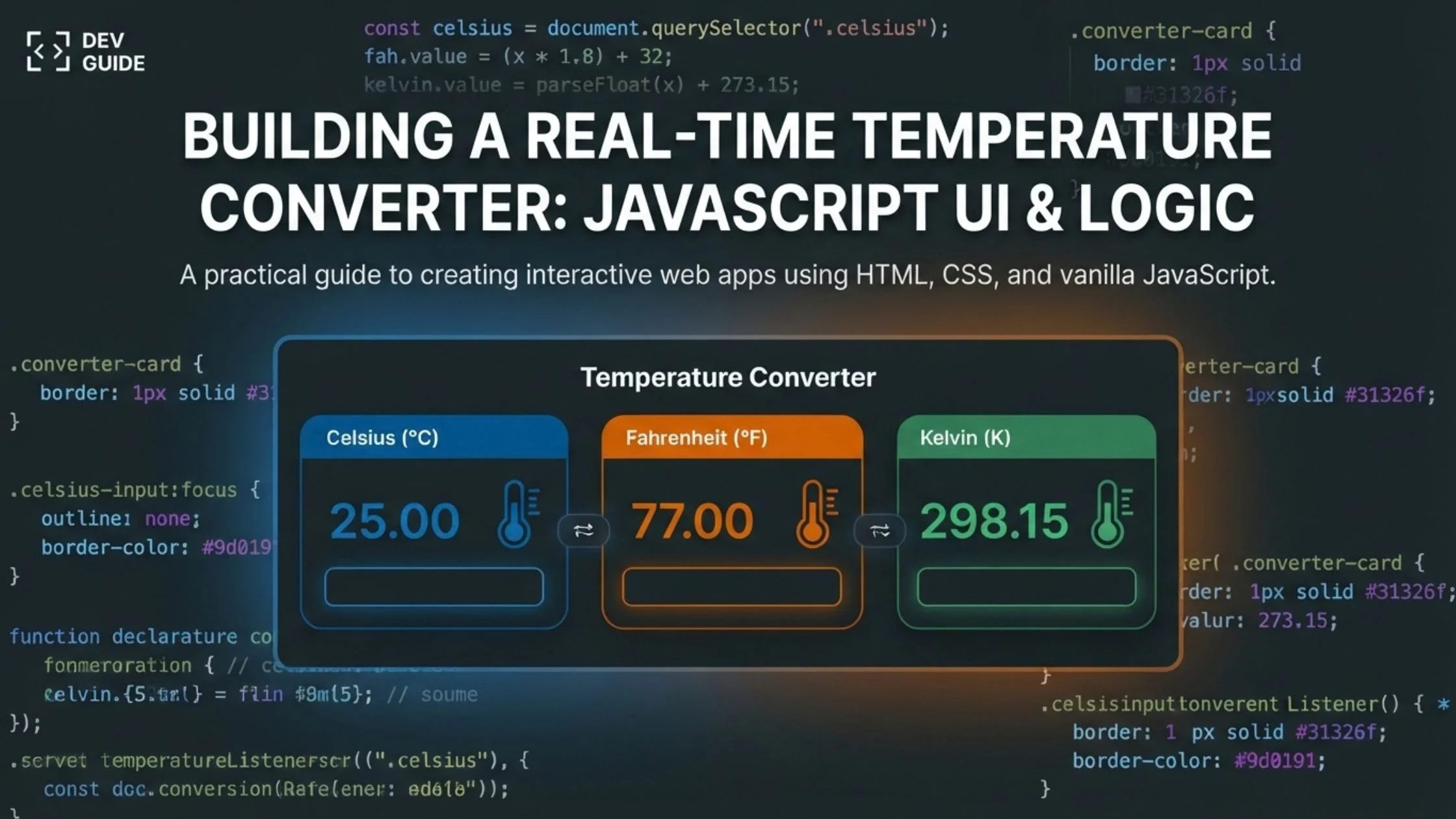
Welcome back to the code cookbook! Today, we are whipping up a practical, highly interactive UI component: a Real-Time Temperature Converter.
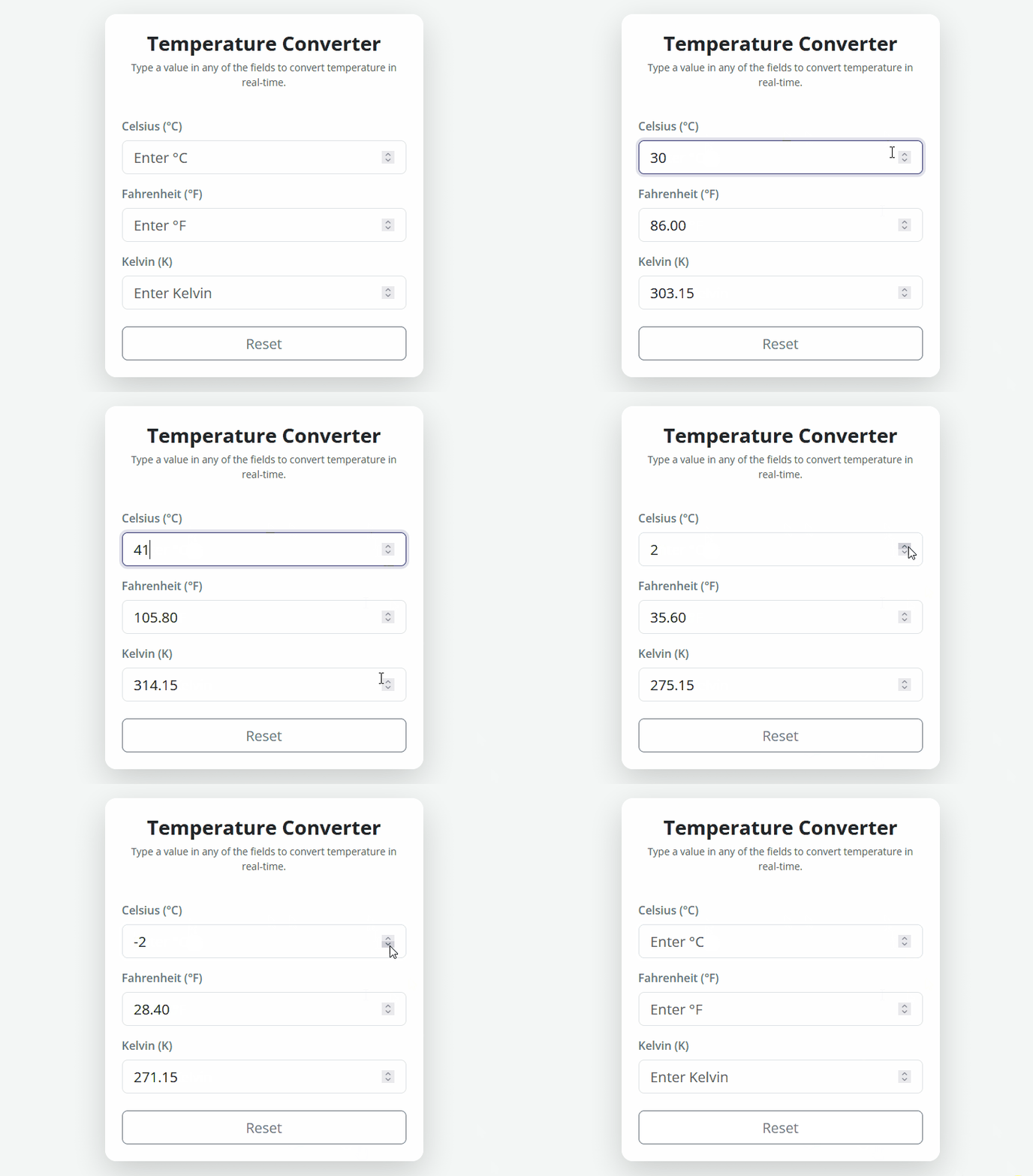
Whether you are building a tool for weather enthusiasts, unit conversion apps, or simple web utility widgets, this snippet gives you a smooth, instant conversion between Celsius, Fahrenheit, and Kelvin without any page reloads or clunky submit buttons.
<!DOCTYPE html>
<html lang="en">
  <head>
    <meta charset="UTF-8" />
    <meta name="viewport" content="width=device-width, initial-scale=1.0" />
    <title>Modern Temperature Converter</title>
    <!-- Bootstrap 5 CSS CDN -->
    <link
      href="https://cdn.jsdelivr.net/npm/bootstrap@5.3.3/dist/css/bootstrap.min.css"
      rel="stylesheet"
    />
    <link rel="stylesheet" href="styles.css" />
  </head>
  <body>
    <!-- Main Wrapper Container -->
    <div class="container py-5">
      <div class="row justify-content-center">
        <div class="col-md-6 col-lg-5">
          <!-- Card Component for UI layout -->
          <div class="card shadow-lg border-0 rounded-4 p-4 bg-white">
            <!-- Header Section -->
            <div class="text-center mb-4">
              <h1 class="h3 fw-bold">Temperature Converter</h1>
              <p class="text-muted small">Type a value in any of the fields to convert temperature in real-time.</p>
            </div>

            <!-- Conversion Form -->
            <form>
              <!-- Celsius Input Group -->
              <div class="mb-3">
                <label class="form-label fw-semibold text-secondary">Celsius (°C)</label>
                <input
                  type="number"
                  class="form-control form-control-lg celsius"
                  placeholder="Enter °C"
                  step="any"
                />
              </div>

              <!-- Fahrenheit Input Group -->
              <div class="mb-3">
                <label class="form-label fw-semibold text-secondary">Fahrenheit (°F)</label>
                <input
                  type="number"
                  class="form-control form-control-lg fahrenheit"
                  placeholder="Enter °F"
                  step="any"
                />
              </div>

              <!-- Kelvin Input Group -->
              <div class="mb-3">
                <label class="form-label fw-semibold text-secondary">Kelvin (K)</label>
                <input
                  type="number"
                  class="form-control form-control-lg kelvin"
                  placeholder="Enter Kelvin"
                  step="any"
                />
              </div>

              <!-- Reset Button -->
              <div class="d-grid mt-4">
                <button type="reset" class="btn btn-outline-secondary btn-lg reset-btn">Reset</button>
              </div>
            </form>
          </div>
        </div>
      </div>
    </div>

    <!-- Bootstrap 5 JS Bundle CDN -->
    <script
      src="https://cdn.jsdelivr.net/npm/bootstrap@5.3.3/dist/js/bootstrap.bundle.min.js"
    ></script>
    <script src="script.js"></script>
  </body>
</html>@import url("https://fonts.googleapis.com/css2?family=Open+Sans:wght@300;400;600;700&display=swap");
:root {
--primary-color: #31326f;
--bg-color: #f4f7f6;
--card-bg: #ffffff;
}
/* Global Reset */
* {
margin: 0;
padding: 0;
box-sizing: border-box;
}
/* Body Layout & Typography */
body {
font-family: "Open Sans", sans-serif;
background-color: var(--bg-color);
min-height: 100vh;
display: flex;
align-items: center;
}
/* Card Styling */
.card {
background: var(--card-bg);
transition: transform 0.3s ease;
}
/* Title Styling */
h1 {
color: var(--primary-color);
}
/* Custom Focus Ring for Inputs */
.form-control:focus {
border-color: var(--primary-color);
box-shadow: 0 0 0 0.25rem rgba(49, 50, 111, 0.15);
}
/* Reset Button Transition & Hover */
.reset-btn {
transition: all 0.2s ease;
}
.reset-btn:hover {
background-color: #e2e8f0;
color: #1e293b;
border-color: #cbd5e1;
}// Cache DOM elements for input fields and form
const celsius = document.querySelector(".celsius"),
fahrenheit = document.querySelector(".fahrenheit"),
kelvin = document.querySelector(".kelvin"),
form = document.querySelector("form");
// Event Listener: Triggers conversion in real-time as the user types
form.addEventListener("input", convertTemperature);
// Event Listener: Clears all fields when the reset button is clicked
form.addEventListener("reset", clearAll);
/**
* Main function to convert temperatures across Celsius, Fahrenheit, and Kelvin.
* Detects the active input field and calculates values for the remaining fields.
* @param {Event} e - The input event object
*/
function convertTemperature(e) {
const target = e.target;
let value = target.value;
// If the user clears the input box, clear all fields to prevent layout/NaN bugs
if (value === "") {
clearAll();
return;
}
let x = parseFloat(value);
// Case 1: Input is given in Celsius
if (target.classList.contains("celsius")) {
fahrenheit.value = (x * 1.8 + 32).toFixed(2);
kelvin.value = (x + 273.15).toFixed(2);
}
// Case 2: Input is given in Fahrenheit
else if (target.classList.contains("fahrenheit")) {
celsius.value = ((x - 32) / 1.8).toFixed(2);
kelvin.value = (((x - 32) / 1.8) + 273.15).toFixed(2);
}
// Case 3: Input is given in Kelvin
else if (target.classList.contains("kelvin")) {
fahrenheit.value = ((x - 273.15) * 1.8 + 32).toFixed(2);
celsius.value = (x - 273.15).toFixed(2);
}
}
/**
* Helper function to clear values from all input fields.
*/
function clearAll() {
celsius.value = "";
fahrenheit.value = "";
kelvin.value = "";
}🍳 Recipe Breakdown & How It Works
This project combines three core ingredients: Semantic HTML5, Bootstrap 5 UI framework, and Modern Vanilla JavaScript.
Here is how the underlying mechanism works behind the scenes:
- Event Delegation (
inputEvent): Instead of attaching individual event listeners to every single input box, we attach a single listener to the parent<form>element. Whenever the user types, pastes, or clicks the up/down arrows in any input box, theinputevent bubbles up and triggers theconvertTemperature(e)function. - Source Identification (
e.target): The script checkse.target.classListto determine which field is currently active. Depending on whether the user is typing in Celsius, Fahrenheit, or Kelvin, it routes the mathematical calculations accordingly. - Data Parsing & Formatting:
parseFloat(value)converts the string input from the form field into a floating-point number, preventing accidental string concatenation (a common issue when working with numbers in JavaScript)..toFixed(2)rounds the calculated results to 2 decimal places, keeping the interface clean and preventing long repeating decimals (e.g.,36.666666666666664).
- Empty State & Reset Logic: If the user deletes the text or presses the Reset button, the helper function
clearAll()immediately clears all input fields to avoid displayingNaNor lingering invalid values.
🔑 Key Variables & Customization Options
If you want to tailor or tweak this snippet for your own project or theme, here are the key variables and parameters you can modify in styles.css and script.js:
1. Color Palette & Styling (styles.css)
:root {
  --primary-color: #31326f; /* Deep Indigo - Primary accent color for title & focus state */
  --bg-color: #f4f7f6;      /* Off-white background for smooth page contrast */
  --card-bg: #ffffff;     /* White card container background */
}--primary-color: Change this hex value to match your website’s brand color. It affects the title color and the input box focus outline.--bg-color: Adjust this if you prefer a dark mode background or a different subtle tint.
2. Decimal Precision (script.js)
.toFixed(2)- By default, the script rounds conversion results to 2 decimal places.
- Customization: Change
.toFixed(2)to.toFixed(1)for a simpler single-decimal output, or.toFixed(0)if you only want whole numbers.
3. Adding More Units (Extensibility)
- If you want to expand this converter to support additional temperature scales like Rankine (°R) or Réaumur (°Re), simply:
- Add a new input field in
index.htmlwith a unique class name (e.g.,class="form-control reaumur"). - Cache the new selector in
script.js. - Add a new
else ifbranch inconvertTemperature()with its corresponding mathematical conversion formula.
- Add a new input field in
💡 Pro Tip for Web Developers
When implementing numeric input fields in forms, always include the step="any" attribute on your <input type="number"> tags. This allows users to enter negative values and decimal numbers (such as -17.78 or 98.6) without triggering native browser validation warnings!